
Documentation Index
Fetch the complete documentation index at: https://developer.novacpayment.com/llms.txt
Use this file to discover all available pages before exploring further.
Overview
Novac provides a prebuilt hosted checkout that allows your customers to complete payments securely and seamlessly.We recommend this method because it abstracts away all the complexities of handling payment flows, allowing you to focus solely on initiating and tracking transactions. Once you successfully create a checkout payment using the API, the response will contain a
paymentRedirectUrl.
You can simply redirect your customer to this URL to complete the payment via the prebuilt checkout interface.
The prebuilt checkout automatically supports all available payment options — such as Cards, Pay with Bank Transfer and USSD. without requiring you to build additional payment logic.
Prerequisite
See details
See details
Before completing a payment via the prebuilt checkout, ensure that you have:
- Created a checkout payment with a transaction reference or payment link reference — this provides the
paymentRedirectUrlneeded for redirection. - Set up your
redirectUrleither on the dashboard or in the API request to ensure users are properly redirected after payment completion.
Complete a Payment
After creating a checkout payment, you’ll receive a response that includes apaymentRedirectUrl field:
created checkout payment response data
paymentRedirectUrl.
This URL opens Novac’s prebuilt checkout, where customers can choose a preferred payment methods.
You can open the
paymentRedirectUrl in a new tab. The prebuilt checkout handles all authentication, processing automatically.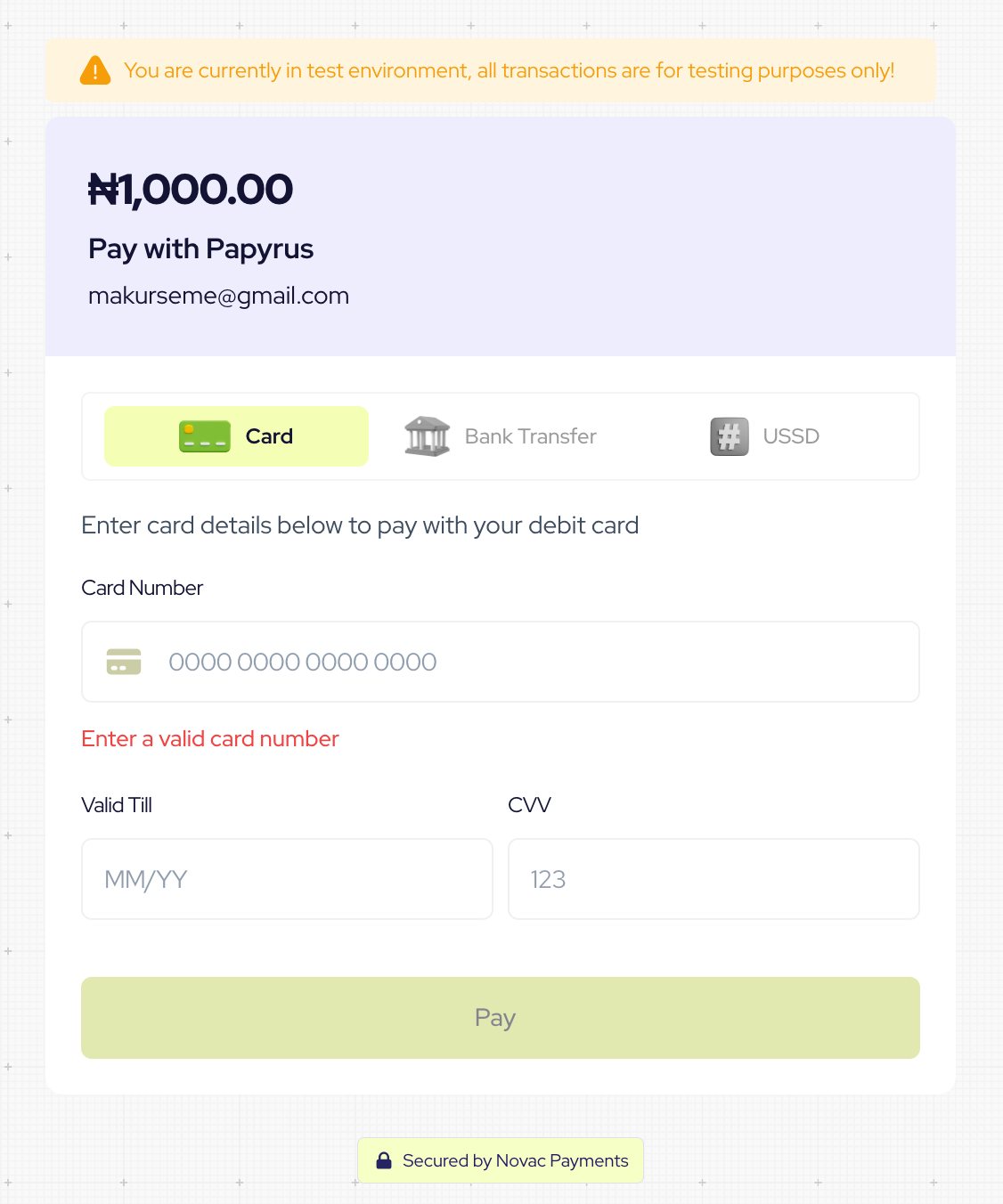
What’s Next?
Learn how to verify transactions after payment is completed:-
Using Webhooks: Automatically receive payment status updates from Novac when a transaction is completed.
Learn how to verify a transaction via webhooks -
Using the Callback URL: Manually verify the payment using the
referenceparameter sent to your callback URL.
Learn how to verify a transaction using a callback reference