
Open Banking is currently available to enterprise clients only. Contact our team to get access.
Prerequisites
See details
See details
Before initiating a pay-by-bank payment, you must:
- Sign in to your Novac dashboard. Ensure you have an active account with KYC completed.
- Activate open banking payments. Required before any open banking payment can be initiated.
- Get your Novac public key. This is used as the Bearer token for the API requests.
Activate Open Banking Payment
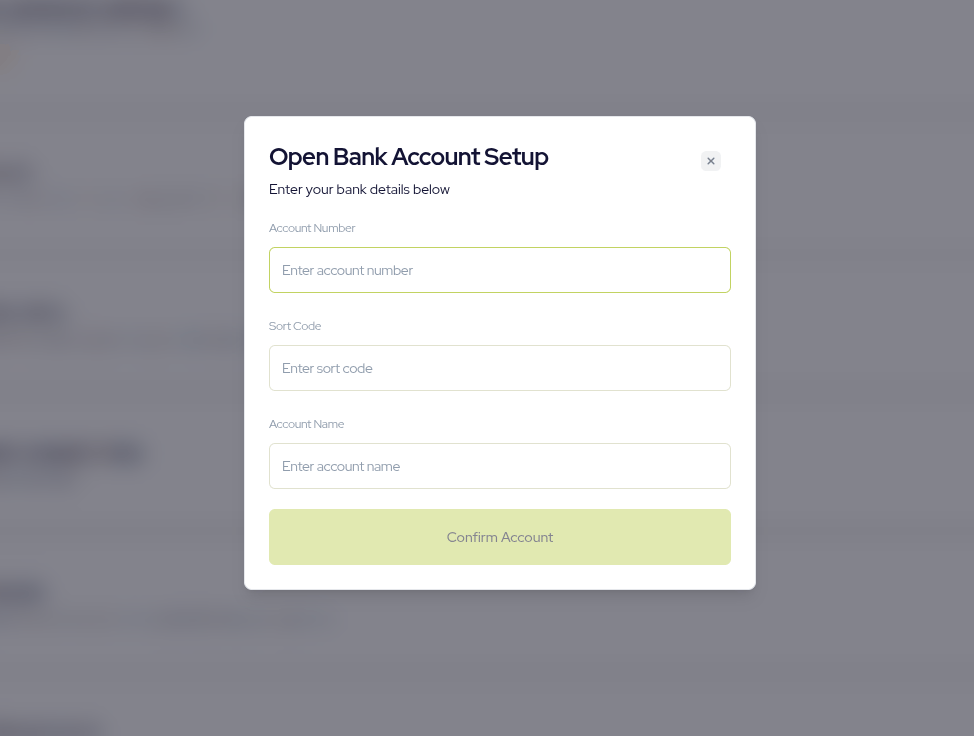
Before you can call the Open Banking APIs, you need to set up a GBP settlement account on your Novac dashboard. This is the account where your open banking payments will be settled, and the APIs will not work until it has been added successfully. To do this, log in to your Novac dashboard and go to Settings, then Transactions Settings. There, add your GBP settlement account details as follows:- Account name
- Account number
- Sort code. Once you save these details and the setup is successful, you can start calling the Open Banking APIs.
Integration flow
The integration has four steps. First, call the bank list endpoint to get the banks that support open banking payments, and show them to your customer so they can choose one. Once the customer selects a bank, initiate the payment against that bank by sending thebankId, amount, currency and customer details.
The response contains a redirectUrl, which you use to redirect the customer to their bank to approve the payment. After they finish, you will call the verify endpoint to confirm the final status of the transaction before you fulfil the order.
Fetch the bank list
Retrieve the banks that support open banking payments.cURL
Response
Initiate the payment
After the customer selects a bank, initiate the payment against that bank.cURL Request
Response
Redirect the customer to the
redirectUrl so they can approve the payment in their banking app or website.