
Documentation Index
Fetch the complete documentation index at: https://developer.novacpayment.com/llms.txt
Use this file to discover all available pages before exploring further.
Overview
Payment preference on Novac gives you control over how your customers pay and how transaction fees are handled during checkout. Instead of showing every available payment option or applying a fixed fee behavior, you can tailor the experience to match your business goals. This helps you:- Improve conversion by simplifying payment choices
- Guide customers toward preferred payment methods
- Decide who bears transaction fees (you or your customer)
- Maintain better control over your revenue and margins
Navigate to settings page and click on transaction setting tab to see all payment preference options.
Controlling payment methods
You can restrict what users see at checkout:"CARD,PWBT"Only card and bank transfer"USSD"Only USSD payments"Opay"Only Opay"PalmpayOnly palmpay
Fee Handling Options
In addition to payment methods, you can also control who pays the transaction fee. This directly impacts both the customer experience and your final settlement amount.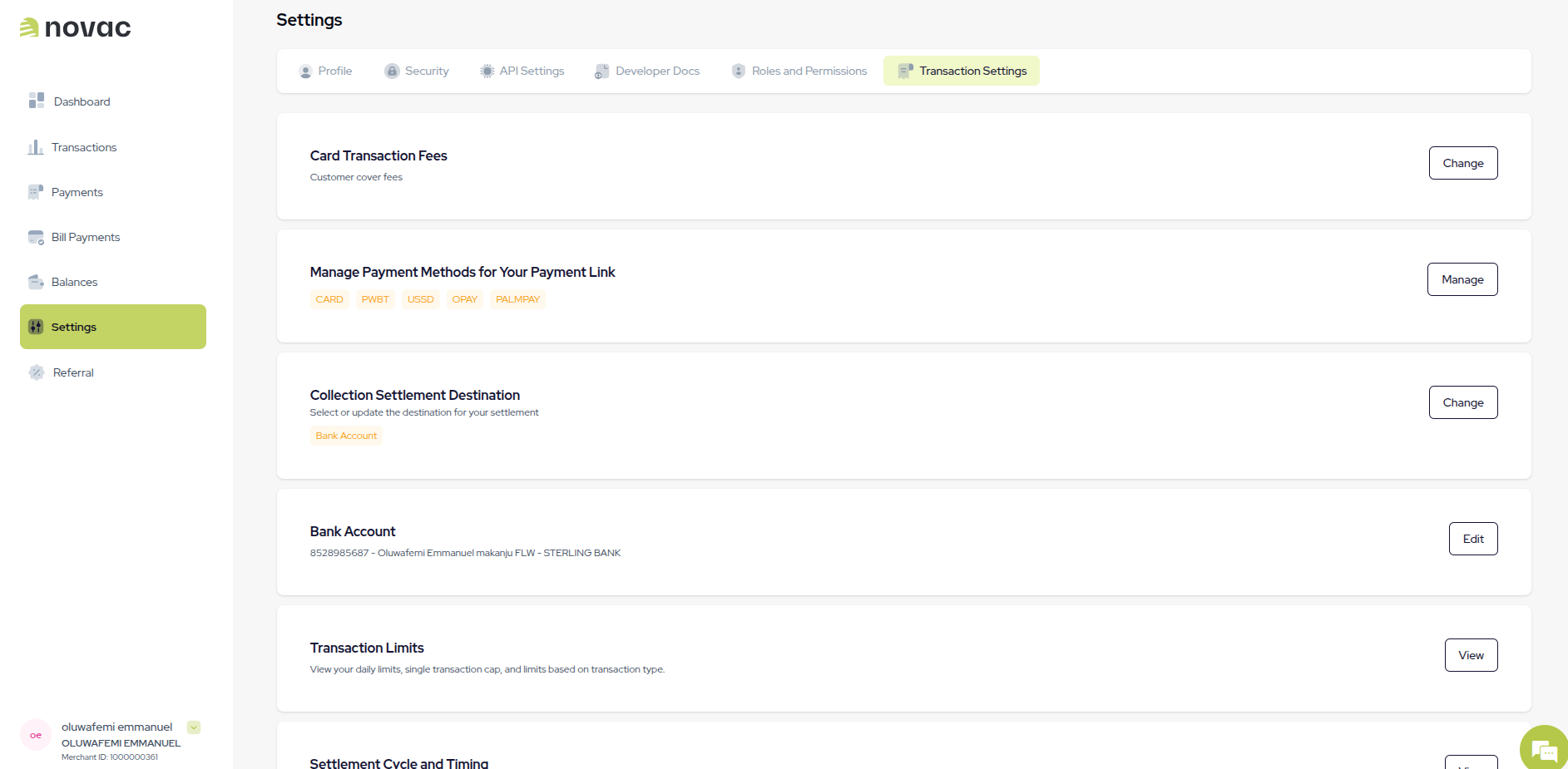
I will cover (Merchant pays the fee)
The transaction fee is deducted from the payment amount before settlement.- Customer pays: ₦500
- Fee: ₦30
- Merchant receives: ₦470
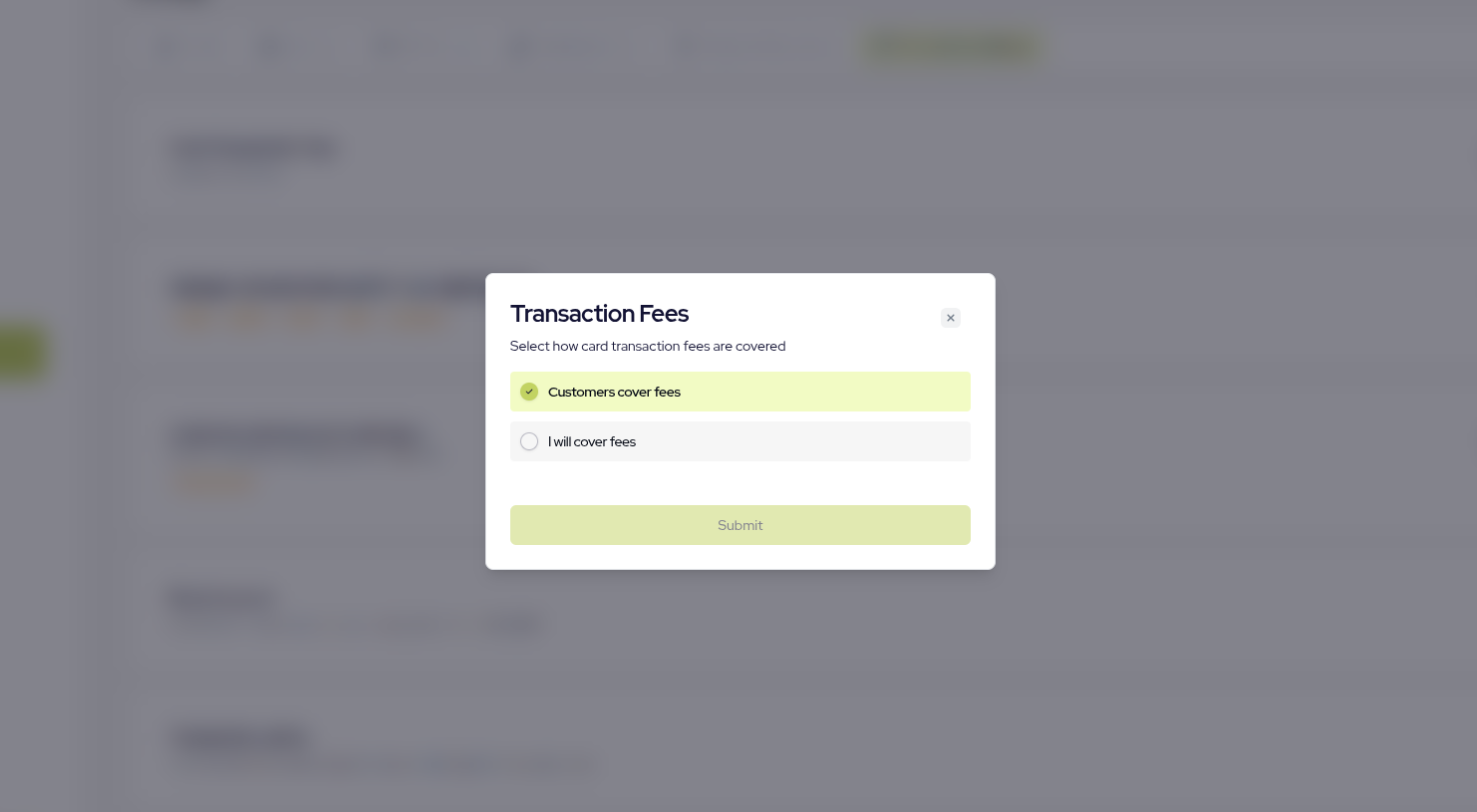
Customer covers (Customer pays the fee)
The transaction fee is added on top of the payment amount.- Customer pays: ₦500 + ₦30 = ₦530
- Merchant receives: ₦500